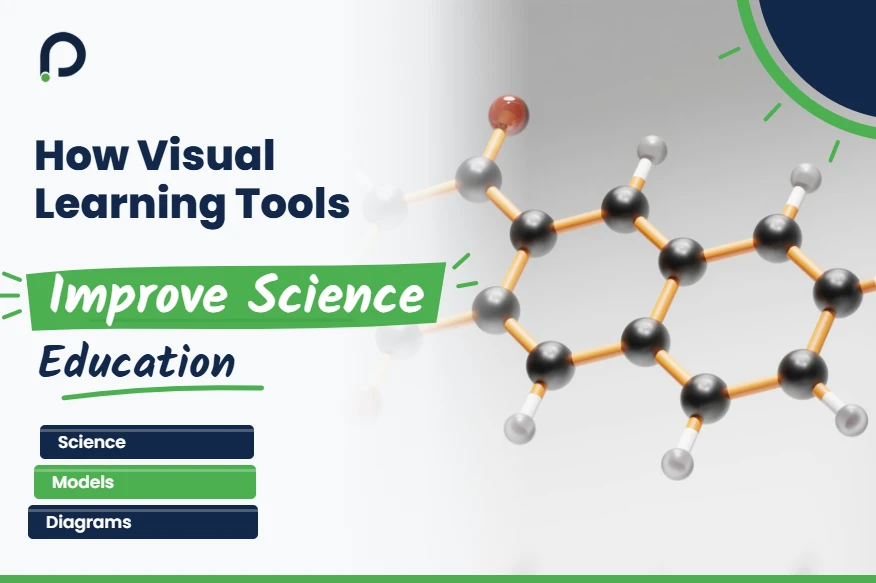
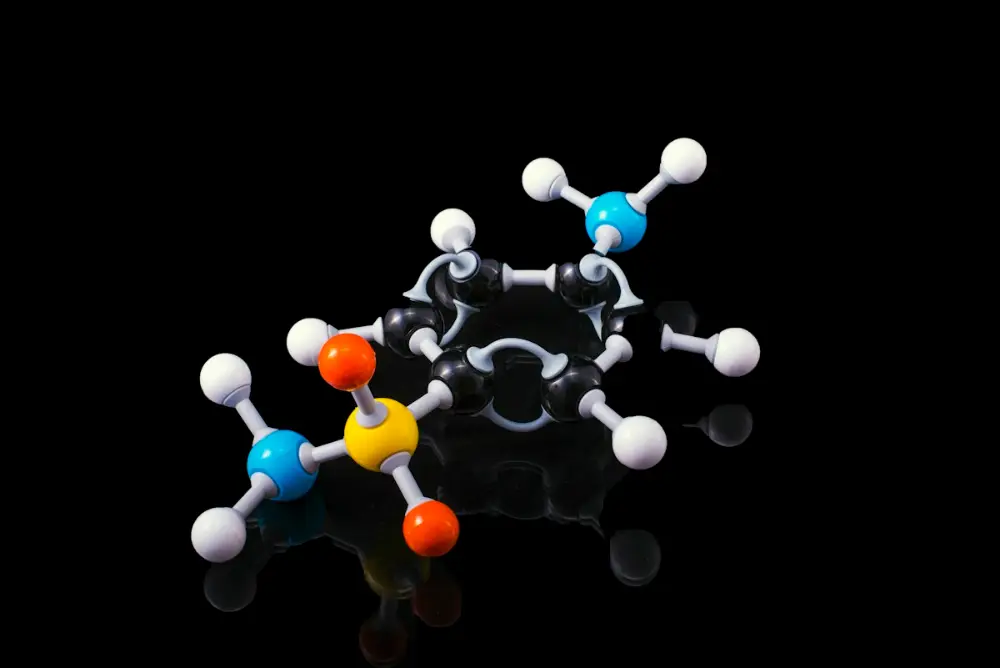
Most science teachers have lived this one. The water molecule has been explained twice already, drawn on the board in two colours, ‘bent’ and ‘104.5 degrees’ said with total conviction, and thirty faces are looking back politely with nothing behind the eyes. Then someone remembers the ball-and-stick kit in the bottom cupboard, a dusty old one where one red ball has lost half its paint, and passes the molecule round. Within about a minute a boy at the back says it looks like a boomerang, and why didn’t anyone just say so? (Somebody did. Twice. Nobody mentions it.) At Profyd, our science tutors lean on the same trick in online lessons, because a shared screen can hold a molecule, a circuit or a cell far better than a paragraph can.
That’s the whole case for visual learning tools, really, packed into one small classroom scene. Science is full of things nobody can see with their own eyes, atoms, fields, cells dividing, a reaction happening in a millionth of a second, and words on their own struggle to carry them. A picture, a model, an animation, even a rough sketch on the corner of the whiteboard, gives students something to hold on to while the idea settles in.
Schools in Lahore and across Pakistan have picked these tools up fast over the last few years, and so have tutors teaching students in the UK, Canada and Australia online. Some of it is fancy, plenty of it is cheap or free, and the useful bits aren’t always the ones with the shiniest screens.
How do visual learning tools improve science education, and when do they just get in the way? This article goes hunting for the answer in a few real classrooms, starting with that boomerang molecule.
Why Visual Learning Tools Do So Much of the Work in Science
Part of it is how heads are wired. Pictures and words seem to travel along slightly separate routes, so pairing them helps far more than stacking up extra sentences ever does. People who research multimedia learning have been poking at this for decades with all sorts of experiments, and the core result refuses to go away: a clear diagram plus a short explanation tends to beat a long explanation by itself, particularly for a student seeing the topic for the very first time.
One young teacher learned the downside in her first term, after spending a whole Sunday night on a slideshow about the digestive system with animated arrows, sound effects and a cartoon stomach that burped. The class loved it. A week later, asked what the small intestine does, most of them could only remember the burp, so the next year she cut it down to a single clean diagram and a lot of talking, and the test scores went up. The visual learning tools that pull their weight are often like that, plain to look at, showing one thing, and switched off quickly so the class can argue about it.
Models you can actually hold
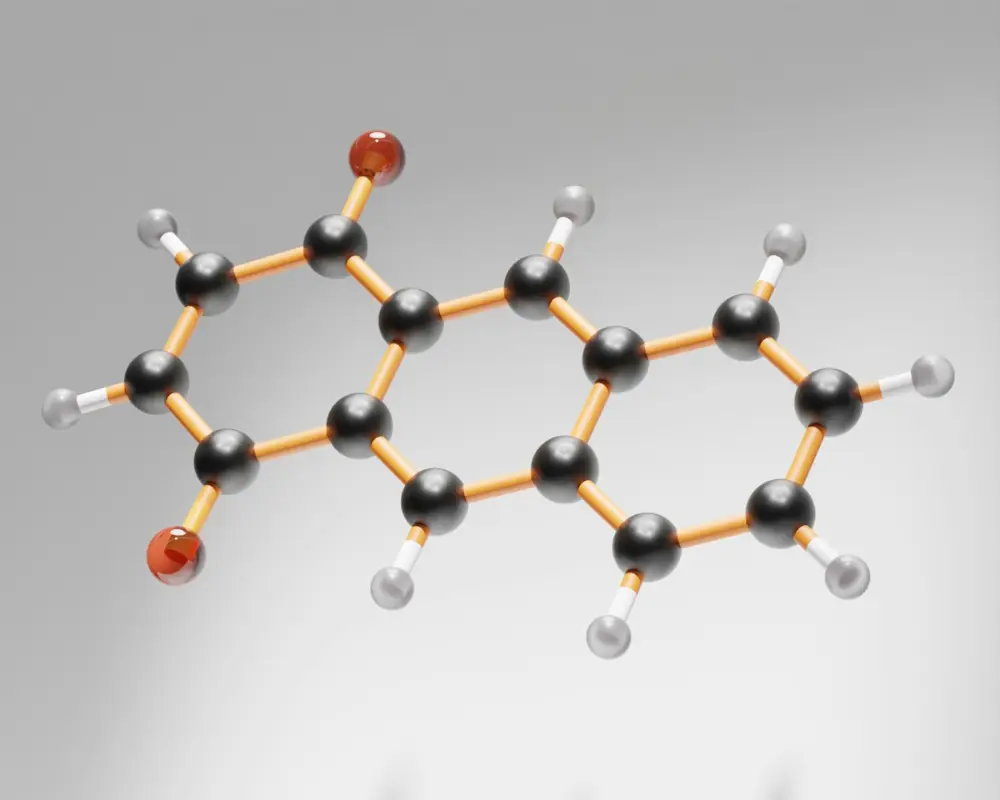
Physical models are the oldest visual learning tools around and still among the best. A molecular kit costs about the same as a decent pizza and lasts for years if nobody loses the hydrogen atoms (somebody always loses the hydrogen atoms). Students who build methane with their own hands, four sticks pointing out in a shape they then have to describe, remember ‘tetrahedral’ long after the textbook definition has faded.
Biology gets the same benefit from a plastic heart that opens up, or a skeleton hanging in the corner that everyone gives a silly name. Physics teachers use springs, magnets and marbles rolling down a ramp. None of it is high-tech. All of it lets a student poke at an idea and see what happens.
Simulations and animations
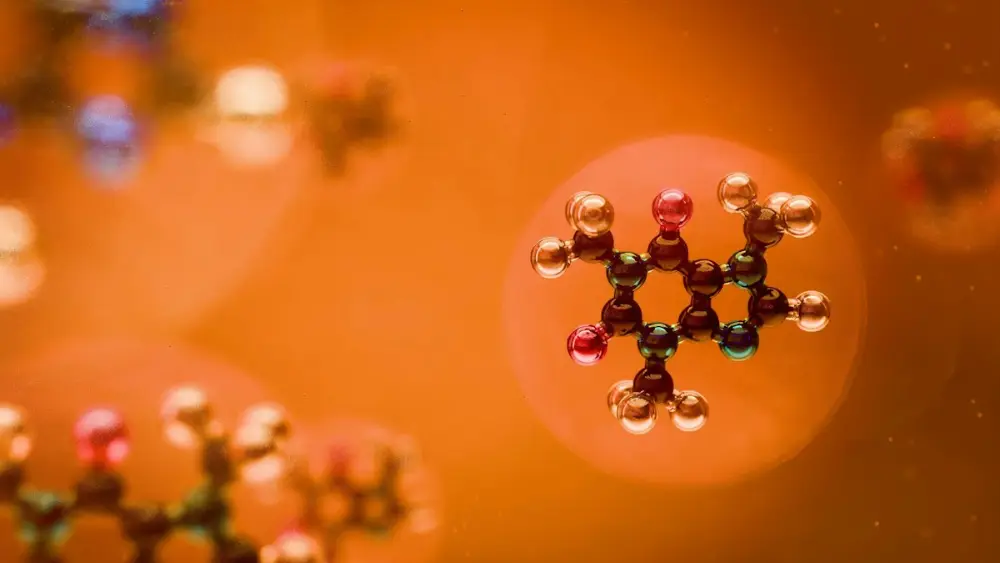
Screens have changed a lot of lessons, mostly through simulations. Drag a slider to heat a box of gas and the little particles speed up and start rattling against the walls; squash the box and the pressure gauge leaps. Build a circuit, snap a wire, add a second bulb and watch both go dimmer. Science stops being something you’re told about and becomes something you mess around with, which for a fifteen-year-old is a completely different afternoon.
Online tutors rely on this heavily, since they can’t hand anyone a test tube through the laptop. Sharing a simulation and letting the student take control of the mouse is about as close as a video call gets to a practical, and the more skilled tutors have a whole set of tricks for it, many of them covered in this guide on how to deliver engaging online physics lessons.
Diagrams, mind maps and the humble whiteboard
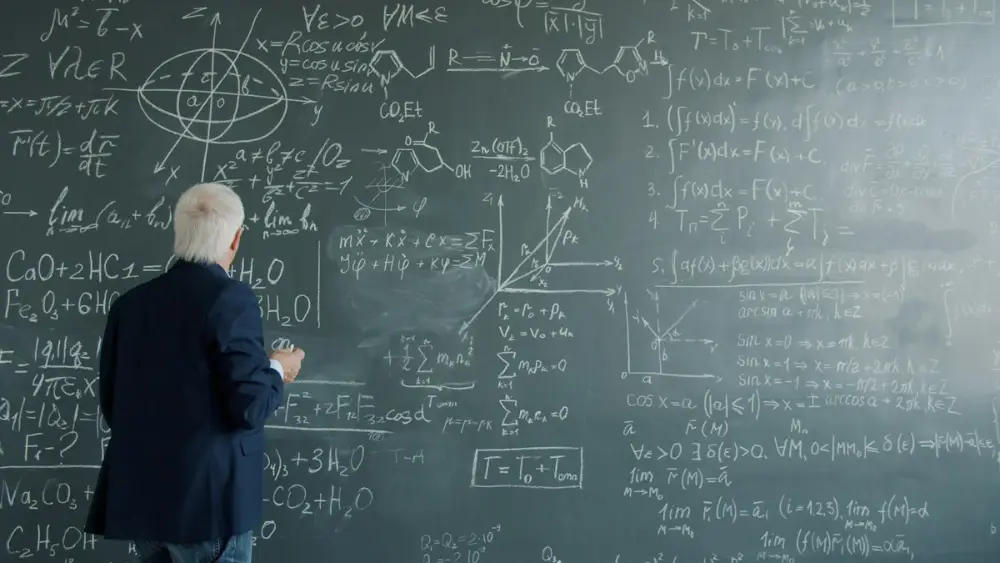
A lot of the best visuals don’t even need a plug socket. Watch a good chemistry teacher draw the nitrogen cycle on a whiteboard, slowly, one arrow at a time, stopping each time to ask ‘right, and where does it go from here?’, and by about the fourth arrow half the room is calling out the next step before the marker gets there. The finished slide version of the same diagram, flashed up for thirty seconds while everyone copies, gets nowhere near that.
Mind maps do something similar at revision time. A Grade 10 student who squeezes the whole of electricity onto one A3 sheet, with branches going off in three colours and a little lightning bolt doodled in the corner, has had to decide how resistance links to current and where power fits in, and that linking is precisely what the long exam questions go after. Maths teachers have used the same trick for ages, and a good few of their ideas turn up in this piece on the best ways to teach math online.
Microscopes, phone cameras and the real thing
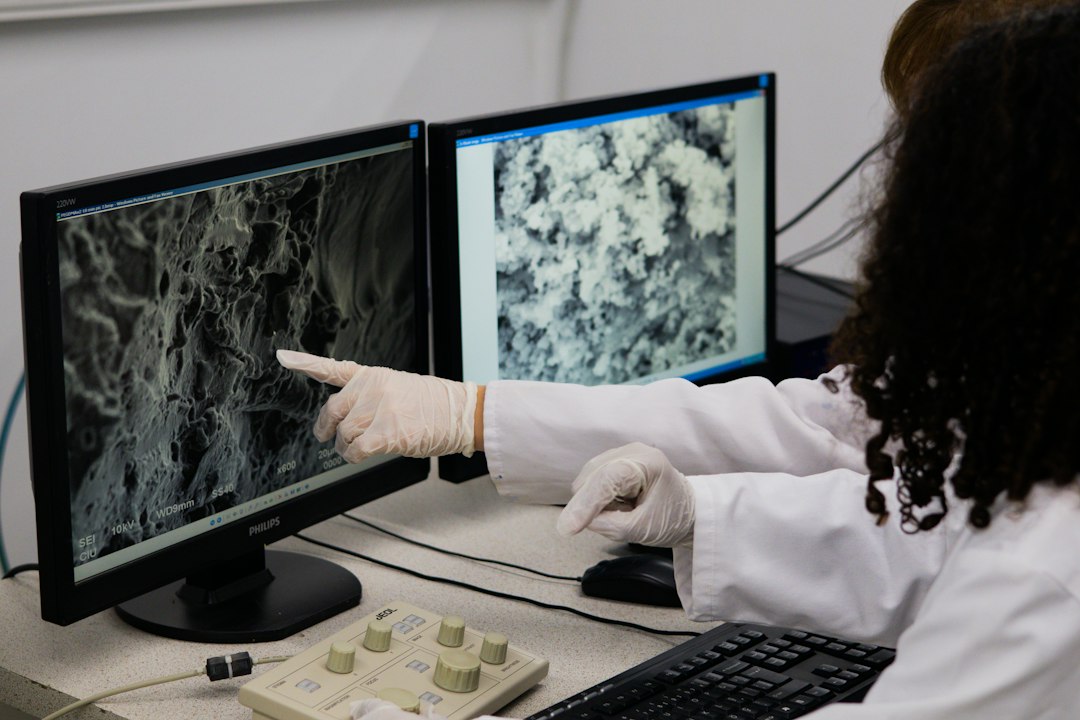
Hook a cheap digital microscope up to a screen and the whole class looks at the same onion cell at the same moment, instead of thirty kids queuing at one eyepiece, squinting, and nodding as if they saw something. Phones are underrated here too. Slow-motion video of a ball dropped next to a metre rule, or a week-long time-lapse of a bean sprouting on wet tissue paper on the window sill, can carry a whole lesson without anyone needing a slide.
Biology teachers in particular love this, since so much of their subject happens at a scale nobody can see without help. It’s one reason online biology teaching has grown so quickly, as this look at careers in online biology teacher jobs points out.
Keeping students engaged
Visuals have another, simpler benefit: they wake people up. A forty-minute lesson of pure talk is hard work for anyone, let alone a teenager after lunch. A model passed around, a short clip, a quick sketch challenge where everyone draws what they think happens next, these break up the lesson and get students thinking instead of just copying. The wider set of tactics teachers use is laid out in this article on how science teachers can increase student engagement.
Where visuals stop helping
A picture on its own doesn’t finish the job though. Plenty of students have watched a lovely photosynthesis animation, gone ‘oh, nice’, and then sat in the exam hall in May unable to write the word equation. So teachers who get the most from visual learning tools treat them as the way in, crack the topic open with the picture, then go straight to questions, a few lines of writing, and some slightly annoying follow-ups to find out whether it stuck.
Getting students to draw is often better than showing them anything. Ask a class to sketch the heart from memory and you get some wonderfully lopsided efforts, valves in odd places, one with the aorta coming out of the wrong side entirely, but each student has had to decide where every chamber goes, and the wrong drawings show the teacher exactly whose mental picture has wandered off and needs pulling back.
What schools look for in teachers now
Schools have noticed. Interview panels hiring science teachers in Pakistan, and international schools recruiting for the UK and elsewhere, now often ask candidates to teach a short demo, and the ones who stick in the panel’s memory are usually those who reached for a quick sketch or a model when an idea got tricky. For anyone heading into that kind of interview, this guide to subject-based teaching interviews is worth reading over a cup of tea the evening before.
Profyd adds new subject teaching roles most weeks, science included, and anyone looking can browse them on the teaching jobs page.
Conclusion
So much of science happens where eyes can’t follow, inside atoms, inside cells, in a flash too quick to catch, that it’s no wonder pictures help. A worn-out molecule kit, a free simulation on a school laptop, a diagram drawn slowly enough for the back row to keep up, all of these visual learning tools give a student something to pin an idea to, and that pin stays put long after the definitions have drifted off. Paired with good explaining and plenty of practice, they make the subject clearer and, frankly, more fun. And sometimes the whole lesson turns on one boomerang-shaped molecule making its way down a row of desks.
FAQs
So what counts as a visual learning tool?
Almost anything that lets a student see the idea instead of only hearing it. Models, diagrams, simulations, short clips, microscope images, a slow-motion phone video, even a scruffy mind map scribbled on the back page of a notebook during revision.
Do visual learning tools actually help with exam results?
Indirectly, yes. They help students understand and hold on to topics, and that feeds through into marks, but only if there’s regular question practice alongside. Pretty animations on their own won’t do it.
Do they work in online lessons too?
Very much so. Shared simulations, whiteboards both people can draw on, and diagrams on screen are a big part of why online science lessons work at all.
Does a school need a big budget for them?
Not really. Lots of the best simulations cost nothing, a molecule kit lasts years, and a phone camera and a marker pen go further than most people expect.